


In this lesson, student will explore electronics module, setup the microcontroller, and differentiate between inputs and outputs.
Learning Outcomes:
1. Setup Microcontrollers and upload code to it.
2. Test different electronic inputs and outputs.
3. Explain how modules work and where they are used.

Learning Method:
Test and Conclude

Coding Skills:
Prepared Codes

Class Setup:
Groups of 2 or 3
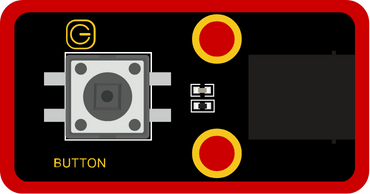
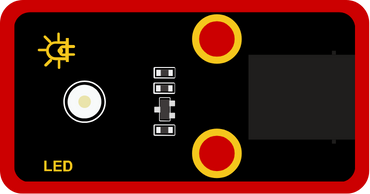
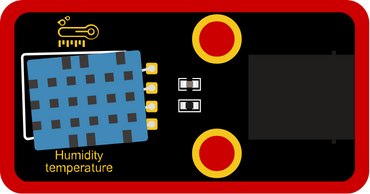
Class Material [for 8 groups]


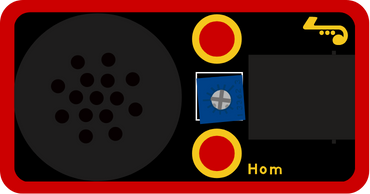

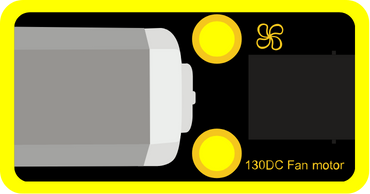
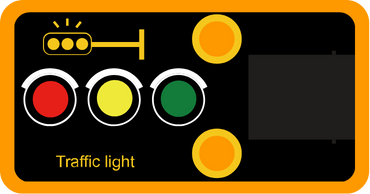


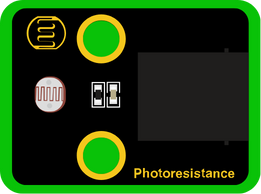

Login to Microblocks.fun

[Suggested Time: 10 mins]
Learners Activity:
Learners will go to Microblocks.fun on a browser in their laptop, or open Microblocks software if it is previously downloaded in the laptop.
Educator Activity:
Login to [Microblocks.fun].
Introduce Microblocks as a blocks programming language for physical computing.
It is good to show the layout of the software, where to find blocks, how to drag and drop blocks, and how to make the code run.
 FAB LAB BAHRAIN